

Apple Pay
Introducing Apple Pay. Your iPhone is now your wallet.
Use Apple Pay at points of sale, online and in apps where you see these symbols:


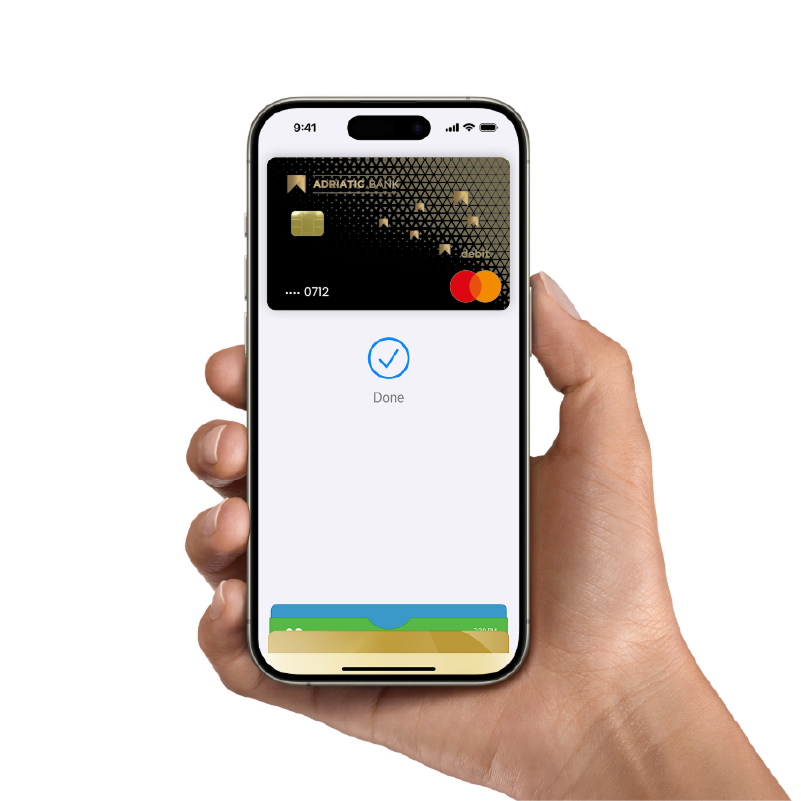
Pay easily. Pay fast.
With Apple Pay, you can pay quickly and easily with your Adriatic Bank Mastercard Debit Gold and Mastercard World Elite card straight from your iPhone or Apple Watch.
Apple Pay. Designed so only you can pay.
Apple Pay uses the security features built into your Apple device — including Face ID and Touch ID — which are designed so only you can authorise payments.
Paying online and in-app just got easier with Apple Pay.
Look for Apple Pay online and in your favourite apps. Enjoy easy and secure payments — seamlessly from your iPhone, Apple Watch, iPad or Mac.
How to add your card to Apple Wallet?
Apple Pay is now available on all your Apple devices. Add your Adriatic Bank Mastercard debit card in just a few seconds.

On your iPhone, open the Wallet app and click the "+" sign.
On Apple Watch, open the Watch app on your iPhone, select "Wallet & Apple Pay," then tap "Add Credit or Debit Card".
On the iPad, go to Settings, open "Wallet & Apple Pay" and select "Add Credit or Debit Card".
On MacBook Pro devices with Touch ID, go to System Preferences, select "Wallet & Apple Pay" and click "Add Card".
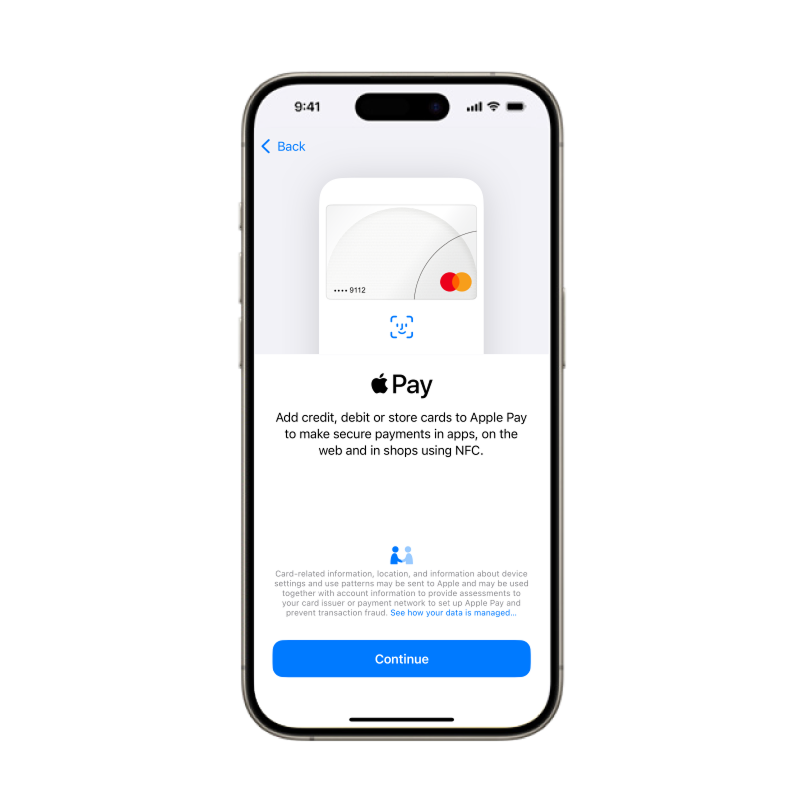
You can also add your card through Adriatic Bank's mBanking application:

Download the Adriatic Bank mBanking application from the Apple Store.

Log in to the mBanking application.

Through the main menu, select the option "Cards". Choose your Mastercard card available for Apple Pay.

Click the "Add to Apple Wallet" button. Follow the next steps to add a card and you're ready to pay.
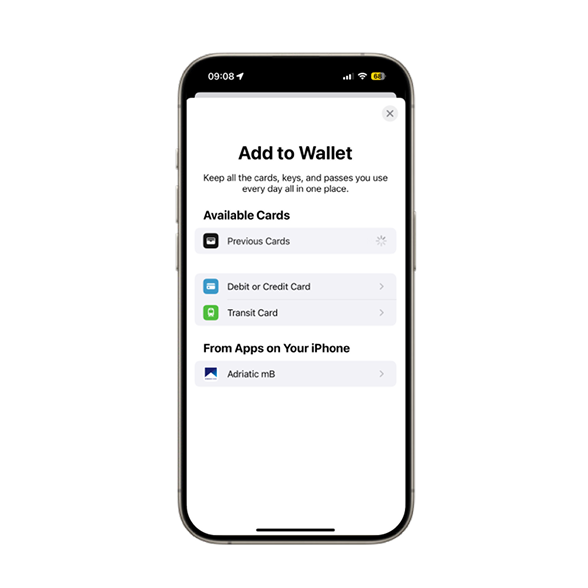
Another way to activate the Apple Pay service is through the Apple Wallet application.
When you open Apple Wallet, select the option "From apps on your phone".
Find Adriatic Bank's mBanking application in the list of options for adding a card.
Log in to the app and select from the list the card you want to use for contactless payments.
How to pay using Apple Wallet?
In-store
With iPhone, double-click the side button, authenticate with Face ID, Touch ID or your passcode, then hold your device near the reader to pay.
In-app
With Apple Watch, just double-click the side button, then hold your device near the reader to finish your purchase.
When purchasing online or in-app, tap the Apple Pay button, confirm your billing and shipping information, then authenticate with Face ID, Touch ID or your passcode.
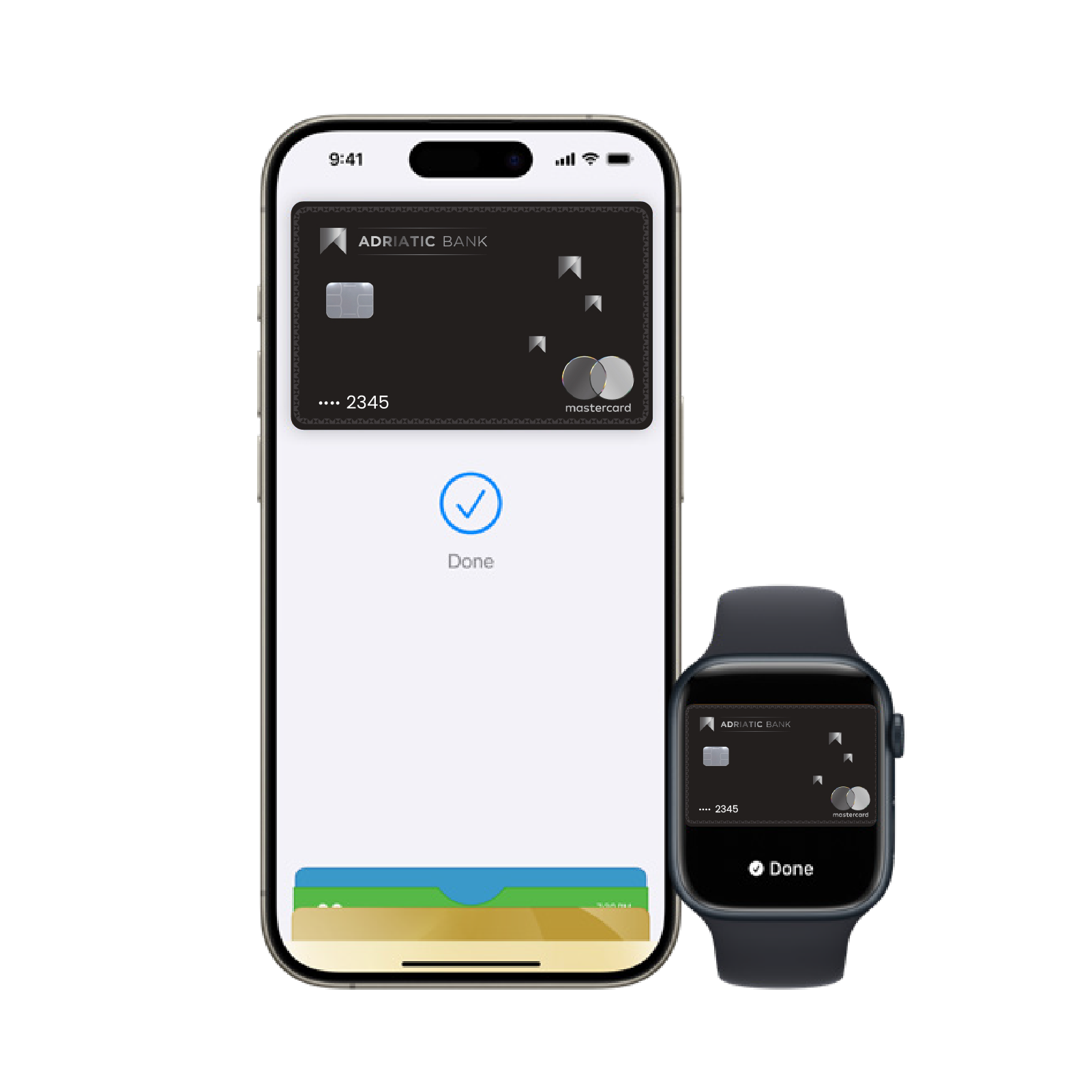
Where can you pay using Apple Wallet?

Apple Pay in stores
You can now pay with your Adriatic Bank Mastercard Debit Gold and Mastercard World Elite card anywhere you see Apple Pay or the symbol at checkout—it’s easy with Apple Pay.
Apple Pay online and in-app
You can now pay with your Adriatic Bank Mastercard Debit Gold and Mastercard World Elite card anywhere you see Apple Pay online or in your favourite apps. It’s easy with Apple Pay.Frequently Asked Questions
Adding your card to Apple Pay is simple. Here’s how to get started:
- On iPhone, open the Wallet app and tap the "+” sign.
- For Apple Watch, open the Apple Watch app on your iPhone and select "Wallet & Apple Pay”, then tap "Add Credit or Debit Card”.
- On iPad, go to Settings, open "Wallet & Apple Pay”, and select"Add Credit or Debit Card”.
- On MacBook Pro with Touch ID, go to System Preferences, select "Wallet & Apple Pay”, then select strong>"Add Card”.
Apple Pay uses the security features built into your Apple device—to help keep your purchases private and secure. All transactions require Face ID, Touch ID, or your passcode on your iPhone, iPad, or Mac and a double click on your Apple Watch. These features are designed so only you can make purchases with Apple Pay. Your actual card number is never stored on your device or Apple servers. And when you pay, your card number is never shared by Apple with merchants, keeping these details hidden and offering an additional level of protection against fraud.
Yes. Connect your eligible Discover credit card account to its associated card you use with Apple Pay to securely view your card account details right in Apple Wallet — including card balances and up to two years of transaction history.6 To connect an account, open Wallet, select your card, tap … more button, and select Card Details. Then tap Get Account Balance & Activity and follow the steps onscreen.
Apple Pay works in countries and regions that support contactless payments. Confirm with your bank, and ask about any fees they may charge for overseas usage.